Digital Tools for Creating Interactive Classroom Activities
31 January 2026
We’ve all been there—trying to keep a classroom full of students engaged while juggling lesson plans, tech hiccups, and short attention spans. The struggle is real. But here's the good news: the digital age has handed us some pretty nifty tools to help turn passive learning into a dynamic, hands-on experience.
So, whether you're a seasoned educator or just dipping your toes into tech, this guide on digital tools for creating interactive classroom activities is packed with practical ideas that’ll breathe new life into your lessons.
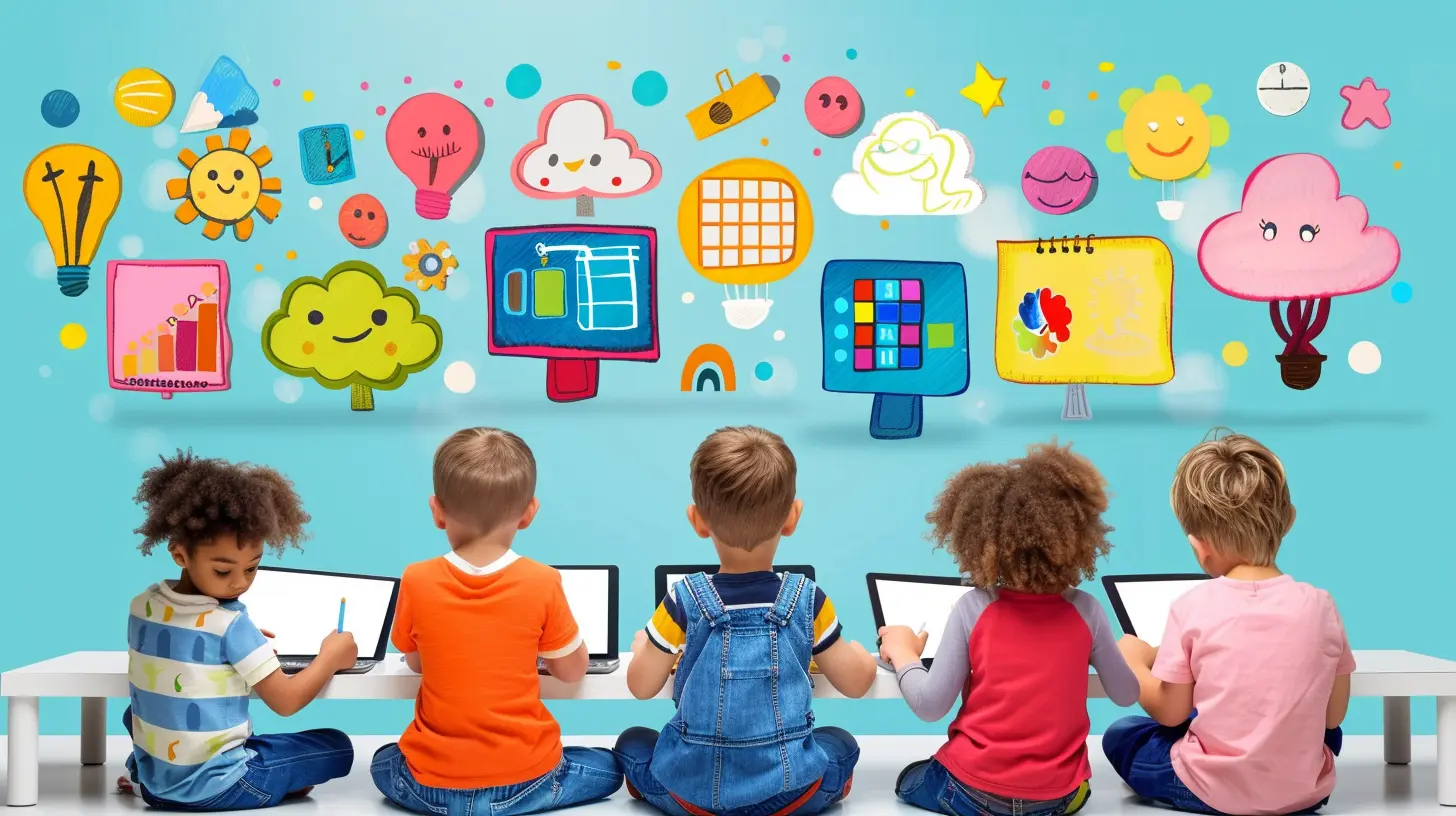
Why Go Digital in the Classroom?
Let’s face it—traditional chalk and talk doesn’t always cut it anymore. Students today are digital natives; they’re growing up swiping, clicking, and tapping. If we want to truly connect, we’ve got to meet them where they are.Interactive digital tools do more than put a flashy spin on your lessons. They:
- Spark curiosity and creativity
- Encourage collaboration
- Make abstract concepts easier to understand
- Help with real-time feedback and assessment
- Cater to different learning styles
Think of them as the Swiss Army knife in your teaching toolkit—versatile, effective, and, let’s be honest, pretty fun to use.
Top Digital Tools for Interactive Classroom Activities
Alright, now let’s dive into some of the best digital tools out there. We’ll break them down by purpose so you can find what works best for your classroom vibe.1. Kahoot! – Quizzes with a Twist
You’ve probably heard of Kahoot!, and if you haven’t tried it yet, you’re missing out. It’s more than just a quiz tool—it’s a crowd-pleasing game show.Create multiple-choice quizzes that feel more like a party than a test. Students join in on their devices, and the competitive element gets them hyped. It's great for reviewing lessons or kicking off class with an energizer.
Bonus Tip: Use student-created Kahoots as a project. It gets them thinking critically and creatively.
2. Nearpod – All-in-One Interactive Lessons
Imagine being able to drop polls, quizzes, videos, and even virtual field trips into your presentations. Nearpod lets you do exactly that.It’s like a magic blend of PowerPoint and student engagement. The best part? You can control the pace or let students go at their own speed—ideal for differentiated learning.
Pro Trick: Combine it with Google Slides for even more customization.
3. Padlet – A Virtual Bulletin Board
Padlet is essentially a digital corkboard where students can post notes, images, links, or videos. Think of it as an online brainstorming wall that updates in real-time.It’s fantastic for group work and discussion. Imagine students collaborating on a book analysis, posting their insights on the same board. Everyone sees everything, and the conversation comes alive.
Use Case: Exit tickets, vocabulary walls, or even digital portfolios.
4. Flip (aka Flipgrid) – Video Discussions Made Easy
If your students love TikTok, they’ll love Flip. It lets students record short videos in response to prompts. Perfect for shy kids who might not speak up in class but shine on camera.You can use Flip for reflections, debates, mini-presentations, and more. It brings student voice (literally) into your classroom.
Cool Idea: Do a "book review battle" where students argue why their book deserves the top spot.
5. Jamboard – Google's Collaborative Canvas
Jamboard is like the whiteboard of the future. It’s simple, flexible, and lets students interact in real-time. You can draw, drop sticky notes, and insert images—all at once.Great for brainstorming, mind maps, or solving math problems as a team. And yes, it's super easy to share with a link.
Classroom Hack: Use one Jamboard slide per group during breakout discussions.
6. Quizizz – Learning Meets Fun
Quizizz takes all the best bits of gaming and mixes them with solid learning. You can create quizzes or use one of the thousands already available.What makes it stand out? Students get instant feedback, and you get performance data. It's self-paced, so everyone moves at their own rhythm.
Quick Win: Use it for homework or revision. Students won't even realize they're studying!
7. Mentimeter – Live Polling and Real-Time Results
Want honest student feedback or quick checks for understanding? Mentimeter lets you ask real-time questions—polls, multiple-choice, open-ended—and instantly displays the results as word clouds or bar charts.It’s a slick way to boost interaction, especially during longer lectures or virtual classes.
Idea Drop: Use it to spark classroom debates or gather ideas for collaborative writing.
8. Edpuzzle – Make Any Video Interactive
We all love using videos in class, but are students watching them or zoning out? Edpuzzle lets you embed questions right into videos. Now, pausing to reflect becomes part of the learning.You can track who watched, see their answers, and even reuse YouTube or Khan Academy clips.
Pro Tip: Use it for flipped classrooms or review days.
9. Blooket – Gamified Learning at Its Best
Blooket is like Kahoot’s cousin—but with more game modes. Students answer questions to win points, battle monsters, or build civilizations.It makes review sessions engaging and feels more like play than study.
Try This: Let students build their own Blooket games. It's content creation and comprehension rolled into one.
10. Socrative – Instant Formative Assessment
Need quick exit tickets or warm-up questions? Socrative’s got your back. Students can respond via any device, and you get real-time data on their understanding.You can even run competitions with the “Space Race” feature. Fast, fun, and super insightful.
Teacher Win: Use the auto-grading feature to save time AND get targeted feedback.
How to Choose the Right Tool
Feeling a little overwhelmed? That’s normal. The truth is, you don’t need to use them all. The trick is to pick the right tool for the right job.Ask yourself:
- What’s my goal for this activity? (Assessment, engagement, collaboration?)
- How tech-savvy are my students?
- Do I need real-time feedback or self-paced learning?
Start small, introduce one tool at a time, and let your students guide the way. You might be surprised at how quickly they run with it.
Tips on Making Digital Activities Truly Interactive
A great tool doesn’t guarantee a great activity. It’s how you use it that counts. Keep these tips in your back pocket:- Make it student-centered: Let them create, not just consume.
- Mix it up: Variety keeps things fresh and exciting.
- Keep it simple: Don’t overload your slides or questions.
- Be flexible: Sometimes tech will glitch. Have a Plan B.
- Foster collaboration: Even digital tools work best with teamwork.
Remember, you're not just teaching content—you’re building skills like critical thinking, creative expression, and digital literacy.
The Future of Interactive Learning
It’s not just a trend. The classroom of the future is already here. With hybrid learning, personalized education, and AI-powered platforms on the rise, digital tools are only getting smarter.But at the heart of it all is still you—the teacher. These tools are just that: tools. It’s your creativity, passion, and connection with your students that bring them to life.
Think of digital tools as your co-pilot. They’ll help you take learning to new heights, but you’re still the one steering.
Wrapping It Up
Digital tools for creating interactive classroom activities aren’t just bells and whistles—they’re game-changers. They turn passive learners into active participants, make your lessons more engaging, and help you meet students where they are.From Kahoot to Padlet to Flip, the possibilities are endless. Start small, experiment fearlessly, and don’t be afraid to laugh when the Wi-Fi doesn’t cooperate.
You’ve got this. Your students are ready. Let’s make learning feel magical again.
all images in this post were generated using AI tools
Category:
Classroom ActivitiesAuthor:

Charlotte Rogers
Discussion
rate this article
12 comments
Summer McGowan
Who knew teaching could be as exciting as a treasure hunt? With these digital tools, you can turn your classroom into a fun-filled adventure! Just watch out for the pirates—oh wait, that's just the kids!
February 18, 2026 at 4:42 AM
Charlotte Rogers
Absolutely! Digital tools can transform learning into an engaging adventure, making the classroom an exciting place to explore and discover!
Rhea McGovern
Why did the math book look sad? It had too many problems! But fear not – with digital tools, we can turn frowns into fun! Let’s sprinkle some tech magic in our classrooms and watch engagement levels soar higher than a caffeinated kangaroo! 🦘✨ #InteractiveLearning
February 14, 2026 at 12:03 PM
Charlotte Rogers
Absolutely! Digital tools can transform learning into an engaging and enjoyable experience, making even the toughest subjects fun. Let's keep spreading the tech magic! 🌟📚
Velvet Mendoza
This article highlights essential digital tools that can transform classroom dynamics. By integrating interactive activities, educators can engage students more effectively, fostering collaboration and enhancing learning experiences. A must-read for teachers seeking to innovate their teaching methods!
February 13, 2026 at 4:26 AM
Charlotte Rogers
Thank you for your kind words! I'm glad you found the article helpful for enhancing classroom engagement and collaboration. Happy teaching!
Megan McLoughlin
Great insights! Digital tools truly enhance engagement in the classroom. Embracing these resources can transform learning experiences, making them more dynamic and interactive. Looking forward to trying out some of your suggestions!
February 11, 2026 at 8:16 PM
Charlotte Rogers
Thank you! I'm glad you found the insights helpful. Excited for you to try out the suggestions!
Josephine Snyder
This article beautifully highlights the power of digital tools in fostering engagement and interaction in the classroom. It's inspiring to see how technology can enhance learning experiences and create dynamic environments for students. Embracing these tools can truly transform education and cater to diverse learning styles. Thank you for sharing these insights!
February 11, 2026 at 5:11 AM
Charlotte Rogers
Thank you so much for your thoughtful feedback! I'm glad you found the insights on digital tools for engagement valuable—they truly can transform learning experiences in the classroom.
Nathan McDowney
Great insights on using digital tools in the classroom! I particularly appreciated the emphasis on interactivity, as it fosters student engagement. Consider including tips on assessing student participation in these activities to further enhance learning outcomes. Keep up the great work!
February 9, 2026 at 5:19 AM
Charlotte Rogers
Thank you for your feedback! I appreciate your suggestion on assessing student participation—I'll definitely consider including that in future discussions. Glad you found the insights valuable!
Thistle Lopez
Forget chalk and talk! With these digital tools, your classroom could transform into a playground of learning. Warning: excessive fun may result in spontaneous bursts of creativity and uncontrollable giggles!
February 8, 2026 at 4:46 AM
Charlotte Rogers
Absolutely! Embracing digital tools can truly ignite creativity and engagement in the classroom, turning learning into an exciting adventure. Let the fun begin!
Natalie Kane
Thank you for sharing these valuable insights on digital tools! It's inspiring to see how technology can enhance interactive learning. I appreciate the practical suggestions and look forward to implementing some of these ideas in my classroom.
February 7, 2026 at 1:53 PM
Charlotte Rogers
Thank you for your kind words! I'm glad you found the insights helpful and inspiring for your classroom. Best of luck with your implementation!
Vireo Gates
This article brilliantly highlights the potential of digital tools to elevate classroom engagement. Embracing these technologies can transform learning experiences, fostering creativity and collaboration among students. Inspiring read!
February 6, 2026 at 12:35 PM
Charlotte Rogers
Thank you! I'm glad you found the article inspiring and that it resonated with the potential of digital tools in enhancing classroom engagement.
Kingston Conrad
What an inspiring read! Embracing digital tools can transform learning experiences and make the classroom vibrant and interactive. Excited to implement these ideas and engage students even more! 🌟
February 4, 2026 at 4:36 AM
Charlotte Rogers
Thank you! I’m thrilled to hear that you found the article inspiring. Excited for you to implement these ideas and enhance your classroom! 🌟
Cruz Rosales
Embrace the power of digital tools! They’re not just enhancements; they’re essential for engaging students and fostering dynamic learning environments. Step up and transform your classroom today!
February 2, 2026 at 1:31 PM
Charlotte Rogers
Absolutely! Digital tools are vital for enhancing engagement and creating interactive learning experiences. Let’s embrace them for a transformative classroom!
Rook Chavez
This article highlights innovative digital tools that can transform classroom engagement. By incorporating interactive activities, educators can foster collaboration and creativity among students. Exploring these resources not only enhances learning experiences but also prepares students for a technology-driven future. A must-read for teachers!
February 1, 2026 at 5:17 AM
Charlotte Rogers
Thank you for your insightful comment! I'm glad you found the article valuable for enhancing classroom engagement and preparing students for the future.
MORE POSTS

Drama Activities to Enhance Public Speaking and Confidence

How to Use Mindfulness to Stay Present During Study Sessions

The Future of Classroom Assessments: Trends and Innovations

How to Use Quizzes for More Than Just Testing

The Role of Music in Cognitive Development

How to Design Fair and Inclusive Assessments

Montessori and the Science of Child Brain Development

Incorporating Movement into Classroom Activities for Active Engagement